Managing table-level test cases involves:
- Updating test cases
- Exporting test cases
- Deleting test cases
To update table-level test cases, follow these steps:
- Go to Application Menu > Data Catalog > Metadata Manager.
- In the Data Catalog pane, click a table.
- Click the Test Specification tab and double-click a test case.
- In the Test Case Overview tab, click
 .
.
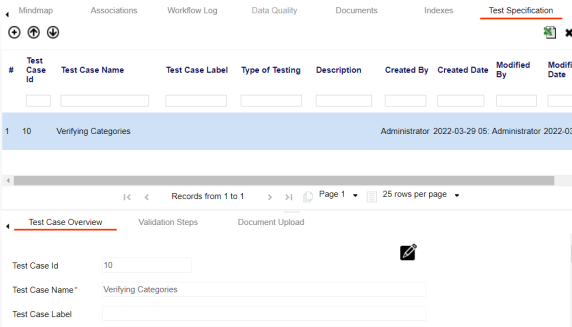
You can update the test case.
To export a test case, click the test case in the Test Case Summary pane, and click  .
.
To delete a test case, click the test case in the Test Case Summary pane, and click  .
.